
A mobile phone can be useful for ACCA lectures, short quizzes and revision, but watching on a phone is not the same as being ready for a computer-based exam. Before enrolling, test the tasks your chosen paper requires on the devices you actually have. A phone-only plan needs particular care when answers involve spreadsheets, longer written responses or detailed exhibits.
Test three activities, not just video playback
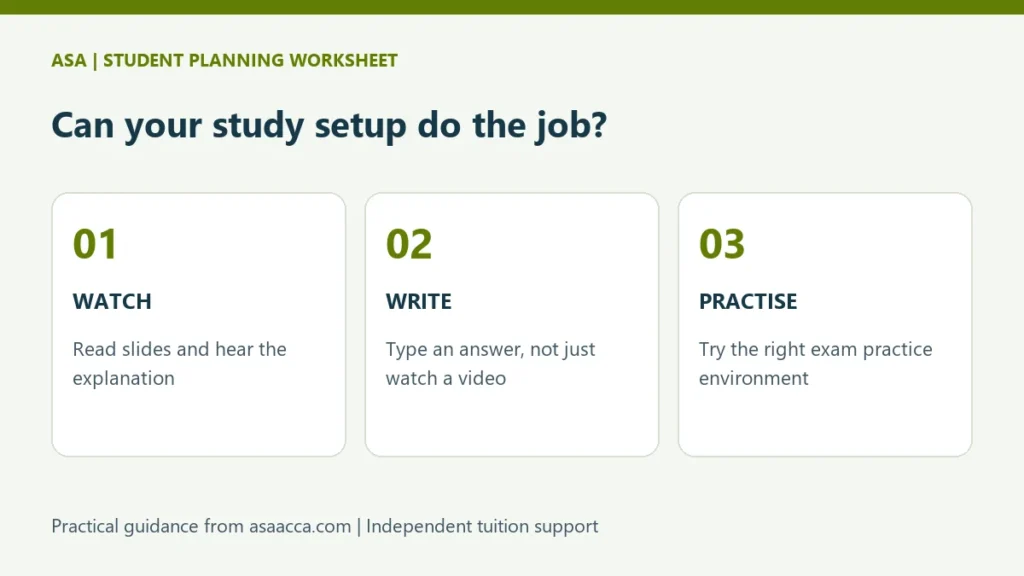
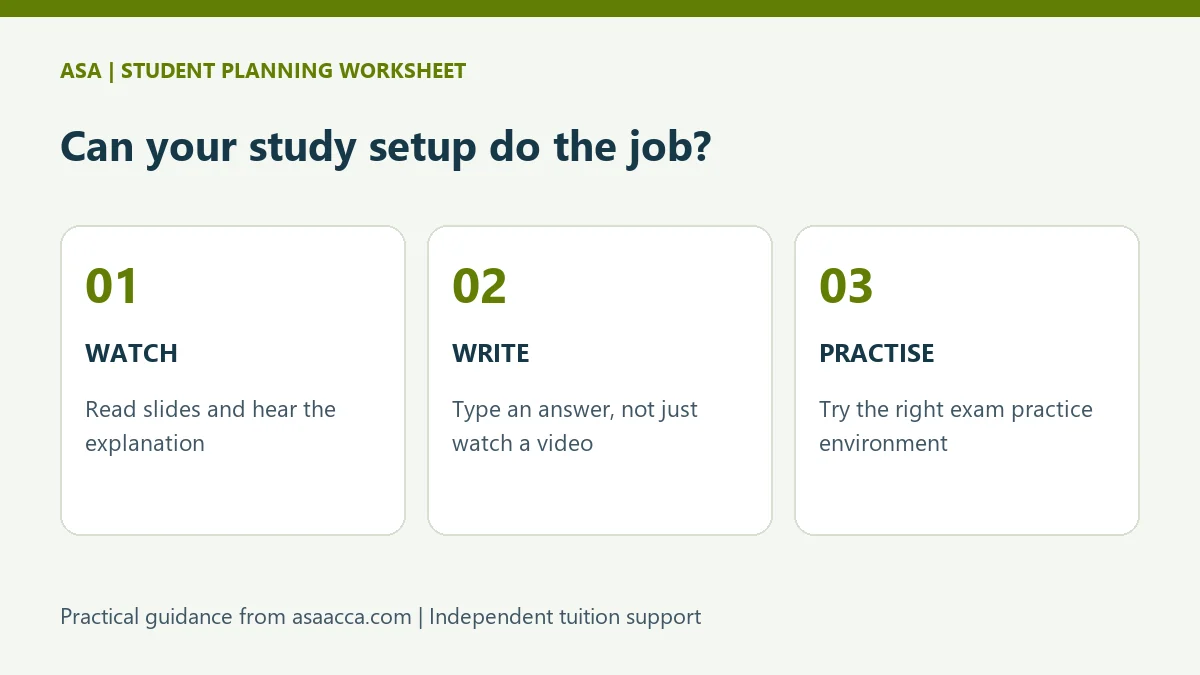
Start with one sample lesson and a question that relates to it. Watch the explanation, close the video and produce your own answer. Finally, review the answer against feedback or a model solution. If any step is uncomfortable, identify what equipment or access would improve it before paying for a full course.
| Activity | Practical test | Warning sign |
|---|---|---|
| Watch and read | Read a calculation on screen and hear the tutor clearly. | You repeatedly zoom or miss figures. |
| Write and calculate | Type an explanation and work through a calculation independently. | You can follow an answer but cannot produce one. |
| Practise exam tasks | Try the official practice environment appropriate to your paper. | You rely entirely on handwritten work for tasks you will perform digitally. |
When a larger screen makes a difference
A phone is convenient for revisiting a short explanation during a commute. A larger screen and keyboard can make it easier to compare an exhibit with an answer, edit a paragraph or inspect a spreadsheet. This is a practical study recommendation, not a claim that every ACCA course has the same hardware specification.
Ask the tuition provider whether its player, notes and live-class service work on your device. Separately, check ACCA’s official resources for the relevant exam. A tuition platform working on a phone does not establish eligibility for a remotely delivered exam or confirm any exam-day technical requirements.
Run a connection and power test
Use the connection you expect to study on, at your normal class time. Try a full sample lesson rather than a brief promotional clip. Note buffering, sound quality and whether the page resumes after a connection interruption. Ask whether recordings are available, whether downloading is permitted and when access expires; do not assume these features are included.
If you study in Pakistan, include a realistic fallback for interruptions: a charged device, an alternative connection where affordable, and an agreed catch-up slot. Do not plan around continuous access that your household cannot reliably provide.
Keep a simple readiness record
- Record the device and browser used for the demo.
- Write down one task you completed without watching the solution.
- List any access or display problem and the provider’s response.
- Decide whether you need occasional access to a computer before booking tuition.
ACCA distinguishes technical learning resources from familiarisation with the exam environment in its Study Hub FAQs. Use the official guidance alongside your course; the checklist above is an original ASA planning aid, not an official hardware standard.
Choose your next step
Explore ASA’s online ACCA learning options and demo lessons using your own setup. For local entry-route and study-planning context, use the ACCA in Pakistan guide. If the test reveals a scheduling issue rather than a device issue, the working-student timetable guide can help you reorganise your week.